Repair your laptop if it’s less than four years old and the fix costs less than half the price of a new model. Buy a new one if repairs keep piling up, the battery barely holds a charge, or the laptop can’t run the programs you need. That’s the short answer. Here’s how to make the right call for your own machine.
Key Takeaways
- Repair laptops under 4 years old if the fix costs less than 50% of a new laptop’s price
- Buy new if the motherboard fails, or if you’ve paid for two or more repairs this year
- Use the 50% rule: compare the repair quote to the price of a similar new laptop
- Always get a full diagnostic from an expert laptop technician before you decide
- Back up your data before any repair, no matter how small
Start With the Age of Your Laptop
Most laptops last three to five years with normal use. If yours is under three years old, repair almost always makes sense. A cracked screen or dead battery on a two-year-old laptop is a small fix, not a reason to shop.
Once a laptop passes the 5 year mark, things change. Parts get harder to find. The hardware inside starts to fall behind newer software. At this point, a new purchase often makes more sense than another repair bill.
Signs Your Laptop Is Worth Fixing
Some problems are simple and cheap to solve. These include:
- A cracked or flickering screen
- A battery that drains fast
- A broken keyboard or trackpad
- A slow hard drive that needs an upgrade
- Loose hinges or a broken charger port
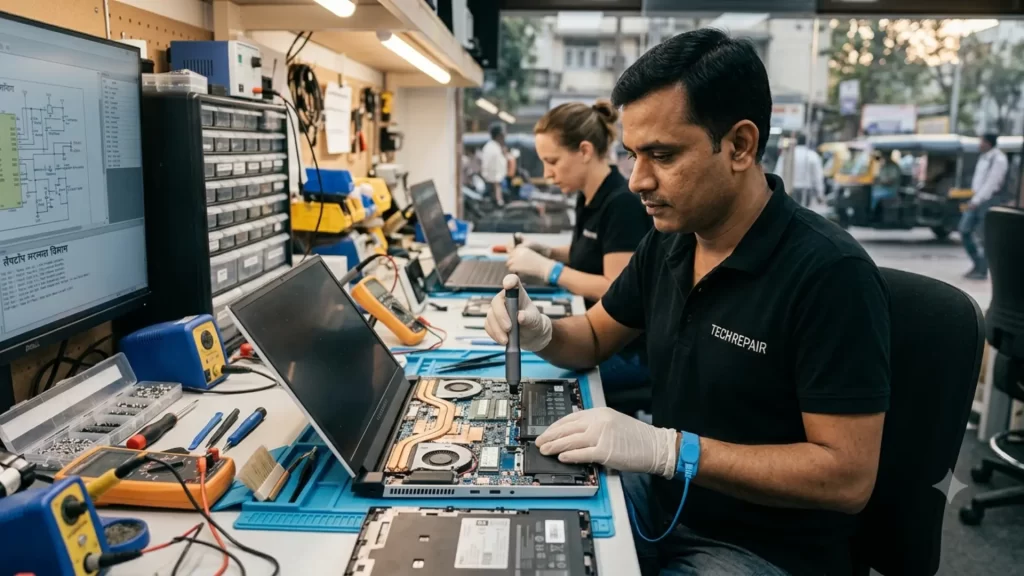
A skilled laptop technician can often fix these issues in a day. Parts are cheap compared to buying a whole new laptop. If your laptop still runs your programs well and just has one broken part, repair is the smart choice.
Signs It’s Time to Buy a New Laptop
Some problems point to a bigger issue. Watch for these warning signs:
- The motherboard has failed
- Repairs cost more than half the price of a new laptop
- Your laptop can’t run current software or updates
- You’ve paid for two or more repairs in the last year
- The laptop overheats even after a clean and repaste
- It’s more than five years old and running slow no matter what you try
When two or more of these apply, a new laptop usually saves you money in the long run. Old laptops start needing repairs more often, not less. Each fix buys you a little time, not a real solution.
The 50% Rule: A Simple Cost Test
Computer repair experts often use a simple test called the 50% rule. If the cost of repair is more than half the price of a new laptop with similar specifications, buy a new laptop. If it’s less than half, repair.
Say a new laptop with your specs costs ₹60,000. A repair quote of ₹15,000 easily passes the test. A quote of ₹35,000 does not. This rule isn’t perfect, but it gives you a fast way to decide without guessing.
Age matters too. A cheap repair on an old laptop still isn’t a good deal if the laptop will fail again in six months anyway.
What an Expert Laptop Technician Can Tell You
A good technician does more than fix the problem you asked about. They check the whole machine first. This matters because laptops often have more than one issue at once.
During a proper checkup, a technician will:
- Test the battery health and charging speed
- Check the hard drive or SSD for early failure signs
- Look at fan and cooling performance
- Run a diagnostic on the motherboard and memory
- Give you an honest opinion on repair versus replacement
This kind of full check protects you from paying for one fix only to need another a month later. Ask for this report before you agree to any repair work.
Ask how long the shop has repaired your laptop brand. Years of hands-on experience with a specific brand usually means a faster, more accurate diagnosis and fewer surprise costs later.
Common Laptop Repairs and What They Cost
Repair costs vary by brand and model, but here’s a general range:
- Screen replacement: Often costs far less than a new laptop
- Battery replacement: Usually one of the cheapest fixes
- Keyboard replacement: Low cost, quick turnaround
- RAM or storage upgrade: Affordable and can speed up an old laptop a lot
- Motherboard repair: Often close to, or more than, the cost of a new laptop
- Liquid damage repair: Costs depend on how far the damage spread inside
Ask for a written quote before any work starts. A trustworthy repair shop explains each cost in plain terms, not vague fees.
Repair or Replace: Quick Comparison Table
Use this alongside the 50% rule for a fast, side-by-side view.
| Factor | Repair | Buy New |
| Upfront cost | Usually lower, often under ₹35,000 | Higher, typically ₹40,000 and up |
| Turnaround time | Same day to a few days | Instant, ready to use right away |
| Data safety | Files and settings usually remain in place. | This requires a complete data transfer setup. |
| Warranty | Limited to only the part that was corrected | Full warranty on the entire laptop |
| Performance gain | None, unless you upgrade the parts as well. | Noticeable, especially over an older laptop |
| Best fit | Laptops less than 5 years old, single-part problems | Laptops over 5 years old, or with major failures |
When to Choose Repair over Replacement
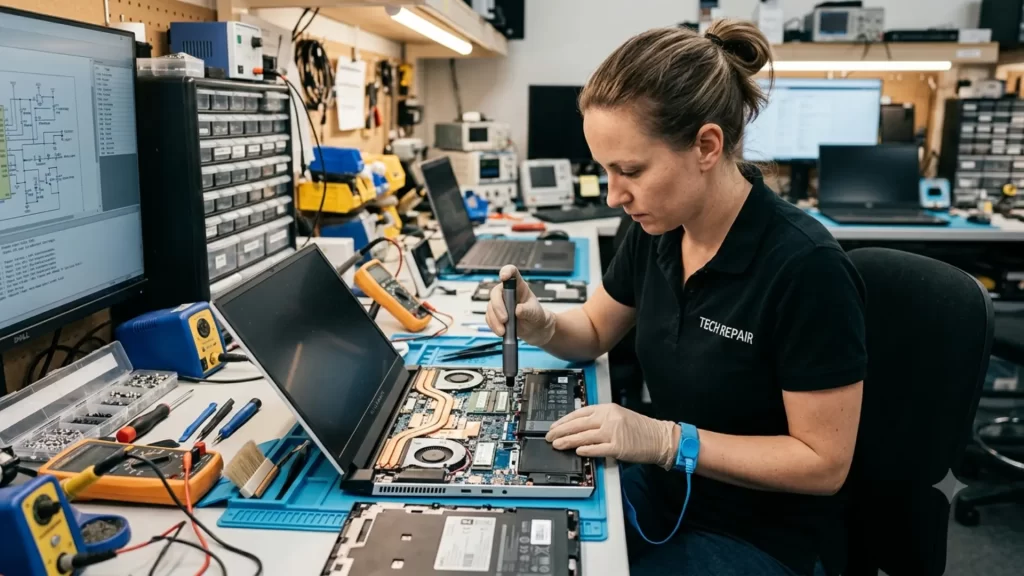
In most cases, if the laptop meets your needs, it’s best to get it repaired. If you use your laptop for browsing, documents, video calls and basic tasks, then the old laptop can also come in handy for many years.
Repair is the better call when:
- Your data and setup are hard to move to a new machine
- Your work software runs only on this specific system
- You’re on a tight budget right now
- The laptop has upgrades or storage already installed that you’d lose otherwise
When to Choose a New Laptop
If your laptop is no longer able to handle your workload, it makes more sense to buy a new laptop. The power required for video editing, gaming and many heavy tasks at the same time is not available in an old laptop, no matter how many parts you change.
New laptops also come with a full warranty, better battery life, and updated security features. If your current laptop no longer gets software updates, a new one closes that security gap right away.
Finding a Trusted Computer Repair Service in Gurgaon
If you’re weighing repair against replacement, start with a proper diagnosis. A reliable computer repair service in Gurgaon can check your laptop and give you accurate figures instead of estimates.
Find a store that offers the following services:
- Free or low-cost diagnostic checks
- Clear, written repair quotes
- Genuine replacement parts
- A warranty on completed repairs
- Technicians trained on your laptop brand
Skip any shop that pressures you to decide on the spot. A good technician wants you to make an informed choice, not a rushed one.
Final Verdict
Weigh the age of your laptop, the repair cost and how well it still meets your needs. If the numbers pass the 50% rule and your laptop is under 5 years old, repair it. If repairs keep coming back, or the cost gets close to a new laptop’s price, it’s time to buy new.
Either way, start with an honest diagnostic from a skilled technician. That one step gives you the real facts you need to decide with confidence.
Frequently Asked Questions
Q: Is it worth repairing a 5-year-old laptop?
A: Only if the repair is cheap and the laptop still runs your needed programs well. Major repairs favor buying new.
Q: How much does laptop repair usually cost?
A: Easy repair costs are much lower than the price of a new laptop. Major repairs, like a motherboard, can reach half that.
Q: Can a laptop technician fix a laptop that won’t turn on?
A: Often, yes. Technicians test the battery, charger, and power board to find the exact cause quickly.
Q: Should I back up my data before a repair?
A: Yes, always. Even minor repairs carry some risk to your saved files and settings.
Q: What’s cheaper, computer repair or buying new?
A: If there is a defect in one part, it is cheaper to repair it. But in the case of laptops more than five years old, it is often cheaper to buy a new laptop.